- ** Successful purchase 3 Minutes ago
- Raymund sanchez ** Successful purchase 25Minutes ago
- Marita Osita ** Successful purchase 14Minutes ago
- ** Successful purchase 29Minutes ago
- Ivan Archie Sevilla ** Successful purchase 28Minutes ago
- Leonida Barte ** Successful purchase 20Minutes ago
- ** Successful purchase 18Minutes ago
- ** Successful purchase 20Minutes ago
- Marita Osita ** Successful purchase 29Minutes ago
- Jenkins Laceda ** Successful purchase 22Minutes ago
- Marita Osita ** Successful purchase 27Minutes ago
- Leonida Barte ** Successful purchase 18Minutes ago
- Jenkins Laceda ** Successful purchase 2Minutes ago
- ** Successful purchase 2Minutes ago
- Raymund sanchez ** Successful purchase 2Minutes ago
- Ivan Archie Sevilla ** Successful purchase 25Minutes ago
- ** Successful purchase 3Minutes ago
- Marita Osita ** Successful purchase 19Minutes ago
- ** Successful purchase 12Minutes ago
- Marita Osita ** Successful purchase 2Minutes ago
- ** Successful purchase 8Minutes ago
- ** Successful purchase 21Minutes ago
- Marita Osita ** Successful purchase 18Minutes ago
- ** Successful purchase 14Minutes ago
- ** Successful purchase 7Minutes ago

 4.9
4.9
 Free Shipping
 Cash On Delivery
 Seven days Return
HIKVISION Dash Cam D1
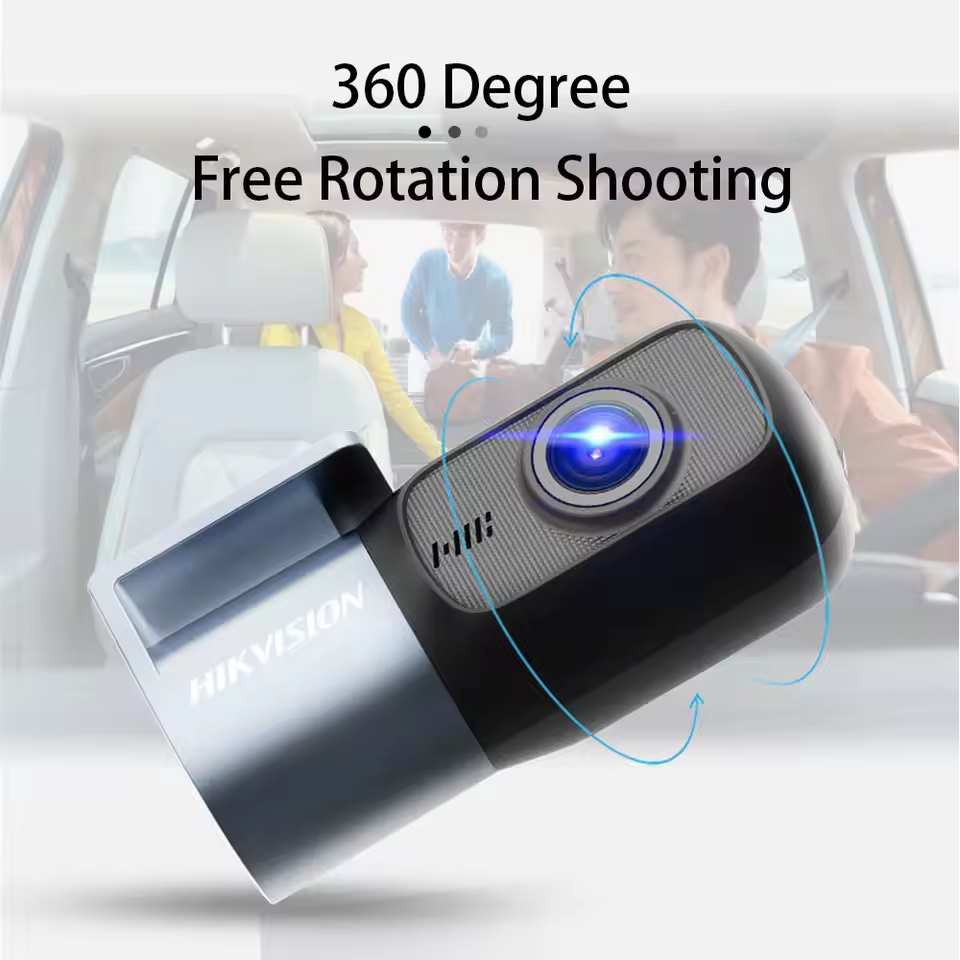
HIKVISION Dash Cam D1 360° Full View 2K Night Vision Build-in WIFI Phone Connect G-sensor Loop Recording
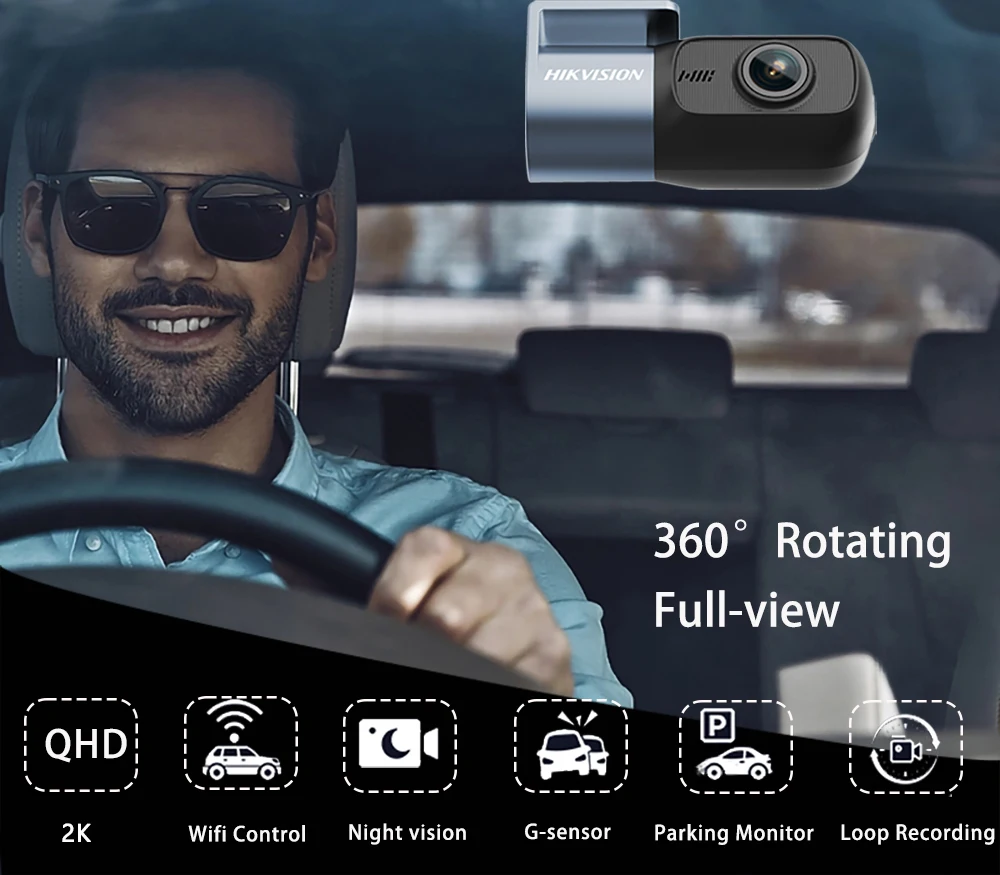
Capturing more details than you thought
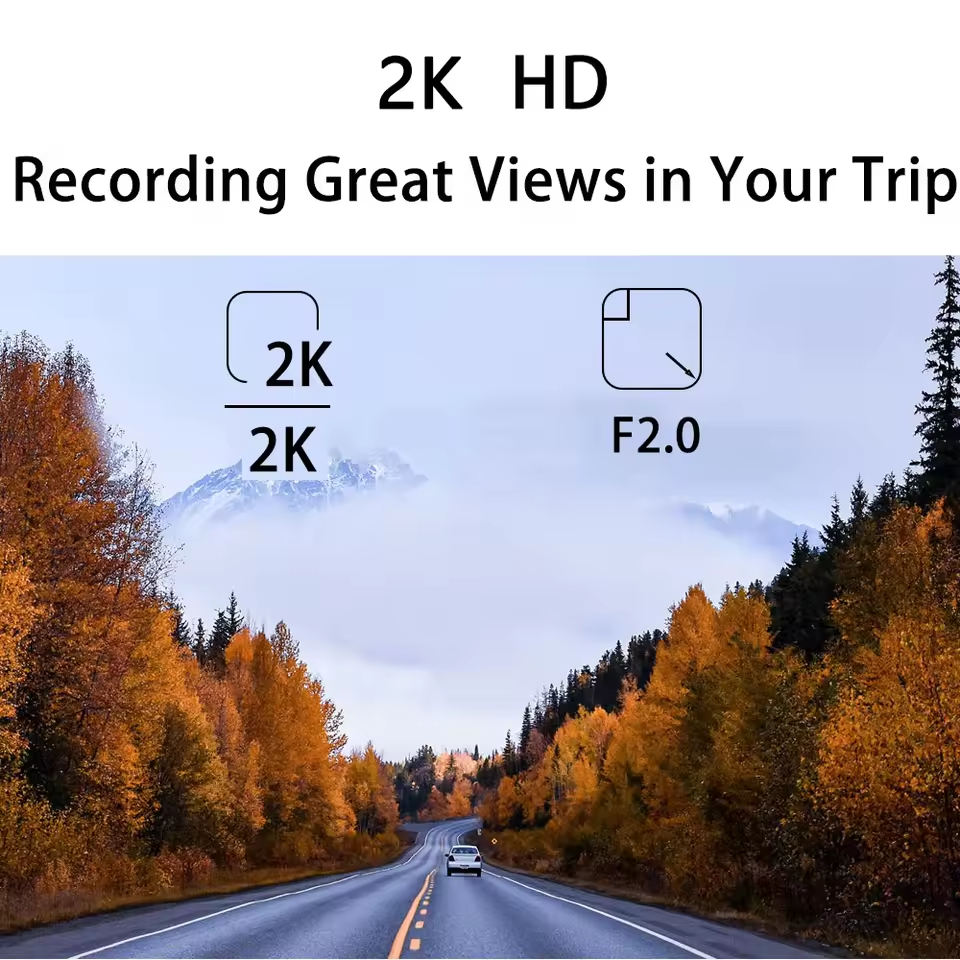
Hikvision Dash Cam D1 1080P Full HD With a 122° field-of-view, recording ensures your safety by covering full three lanes of traffic.
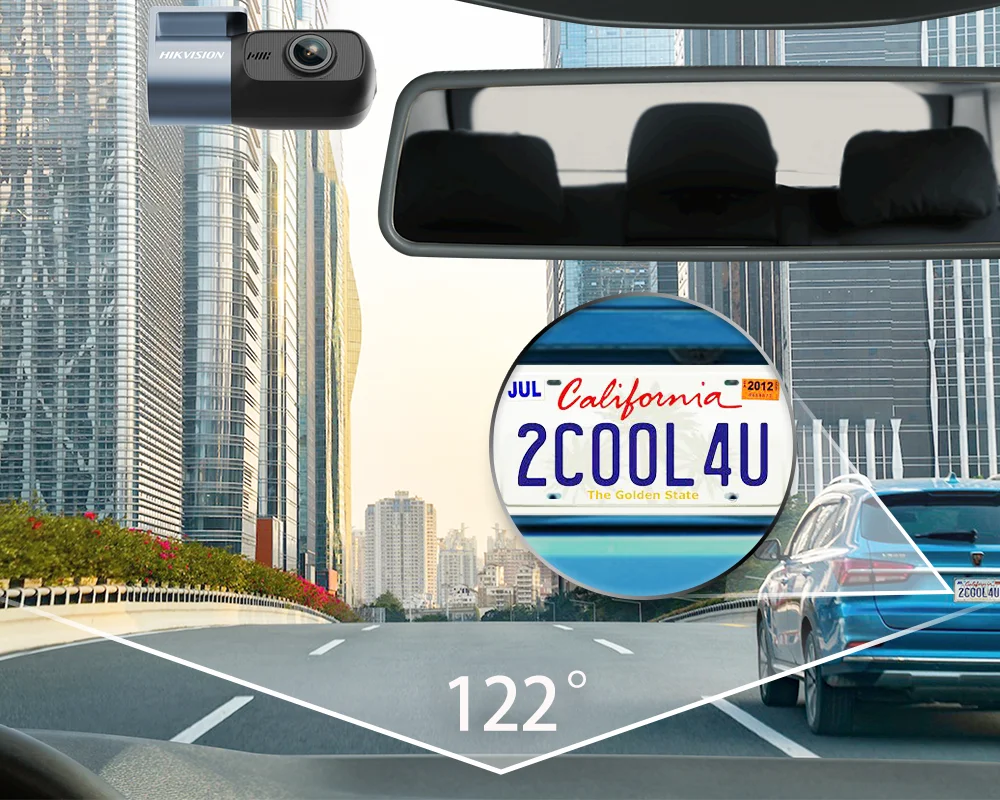
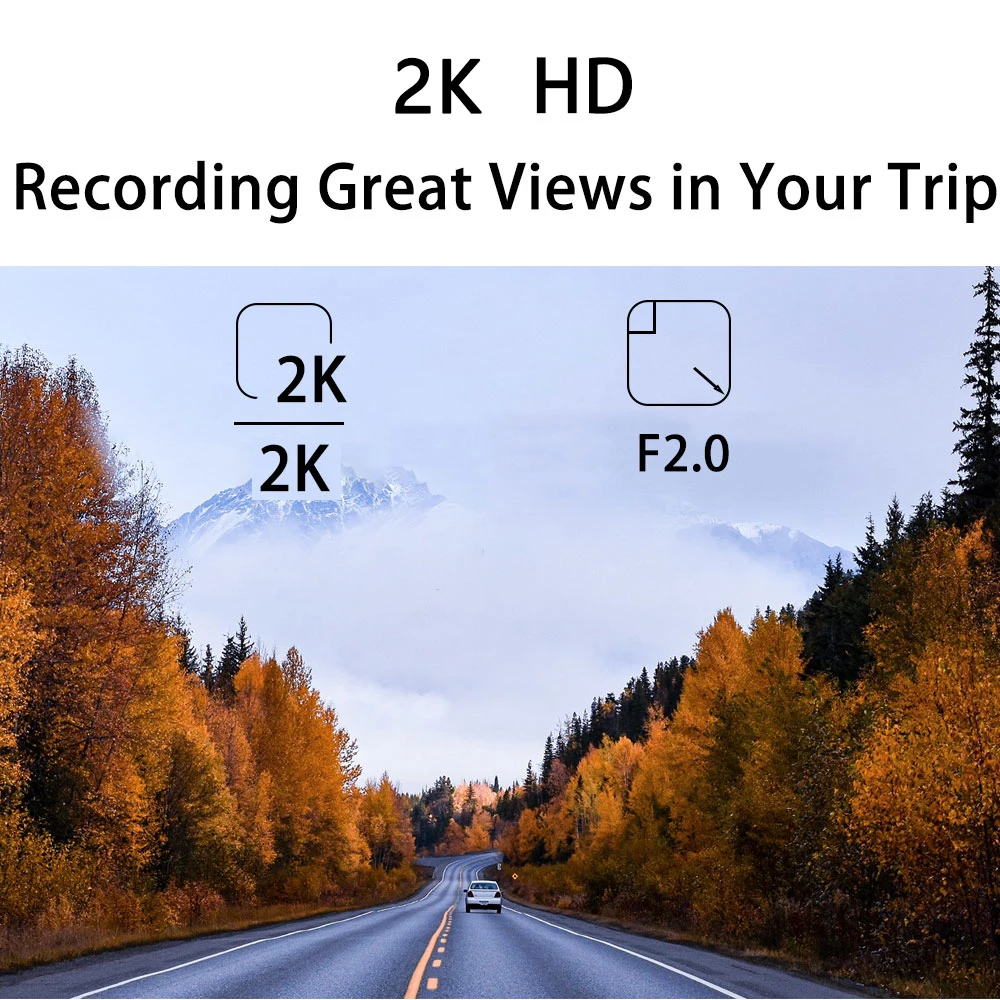
2K resolution for clear visibility of road details and license plate numbers
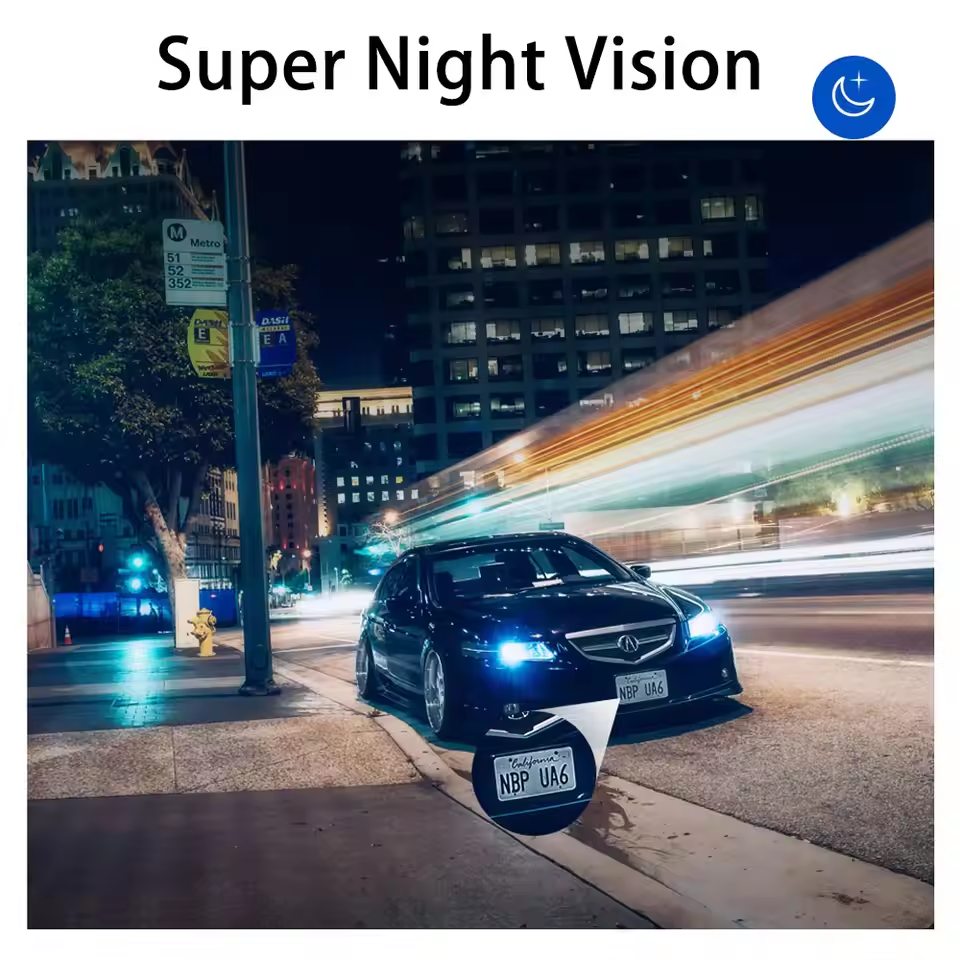
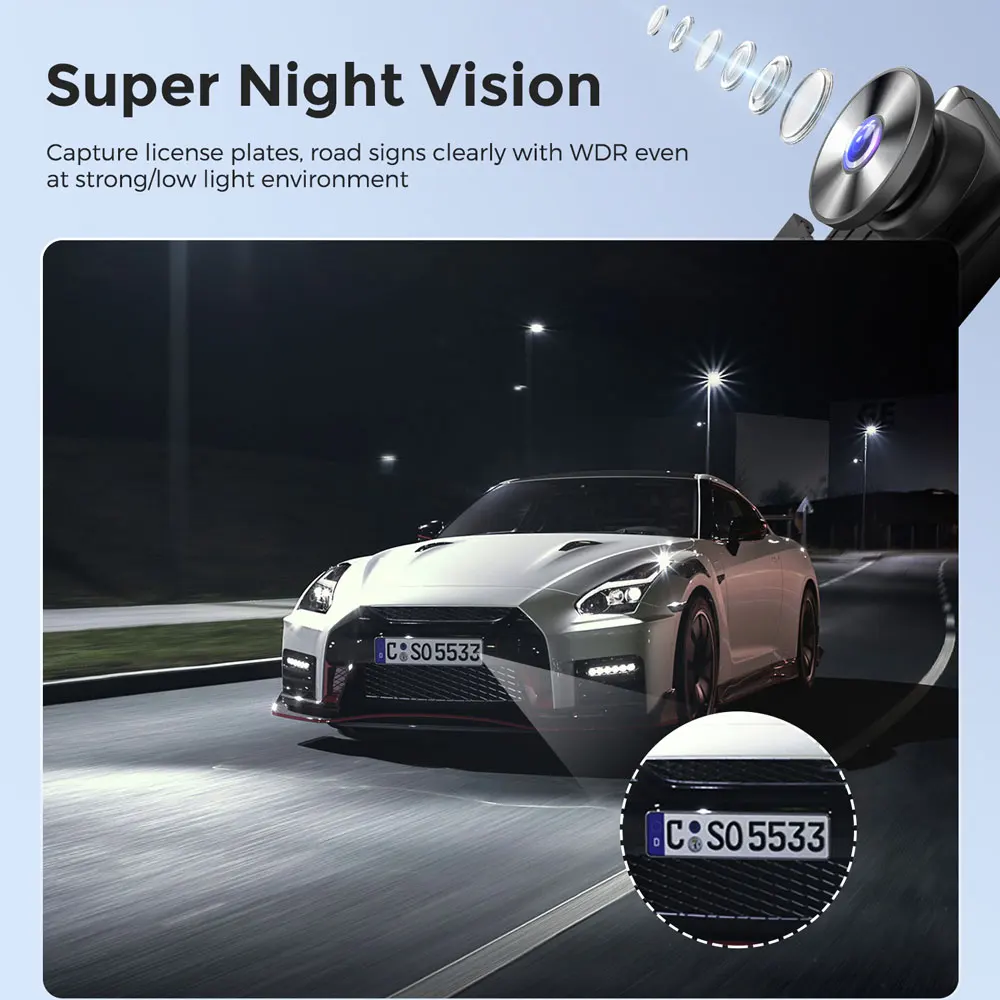
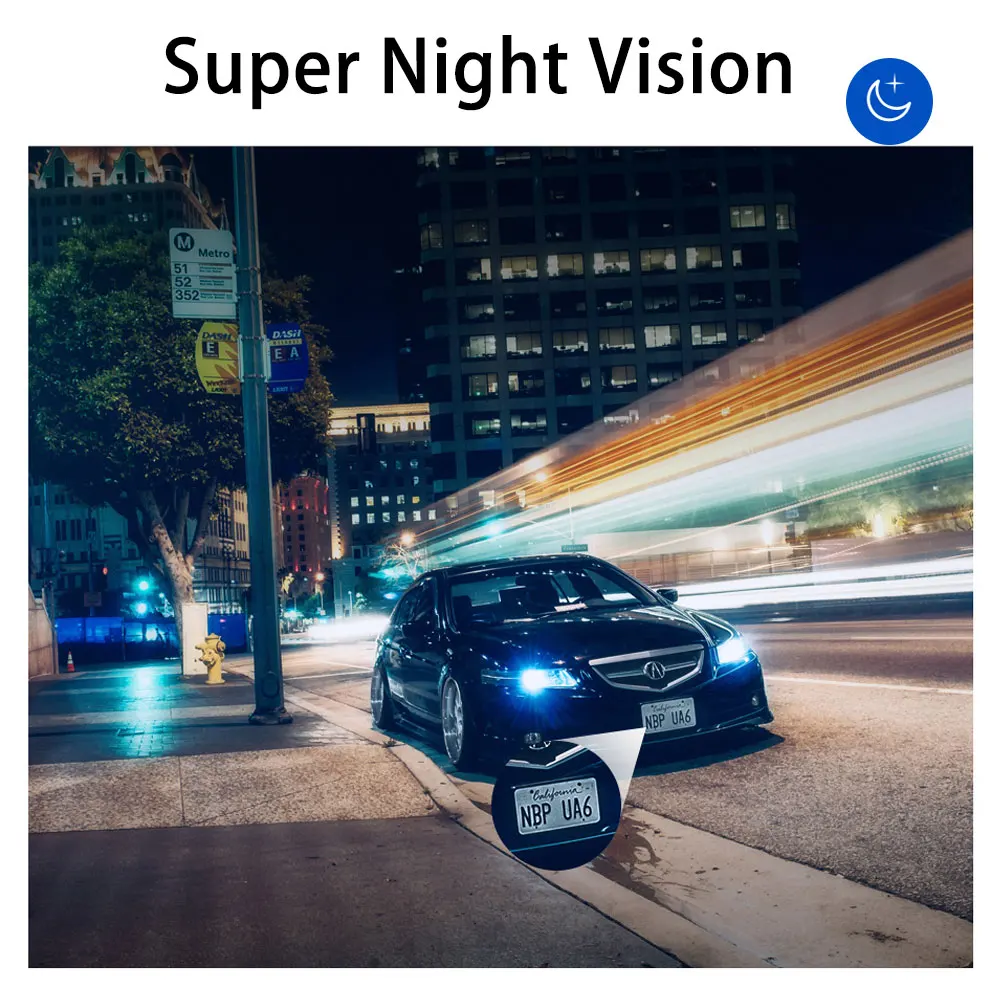
HD Night Version
D1 automatically adjusts exposure balance when recording in low-light or high-contrast environments.
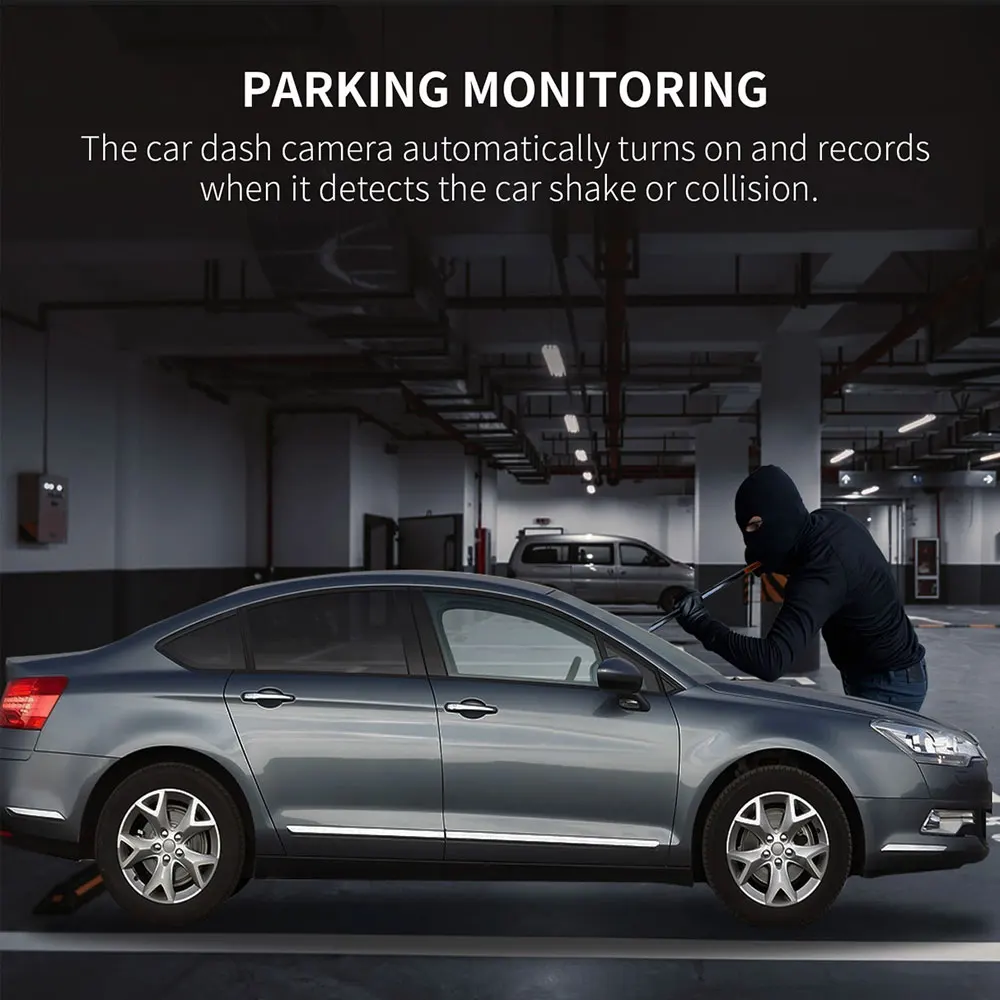
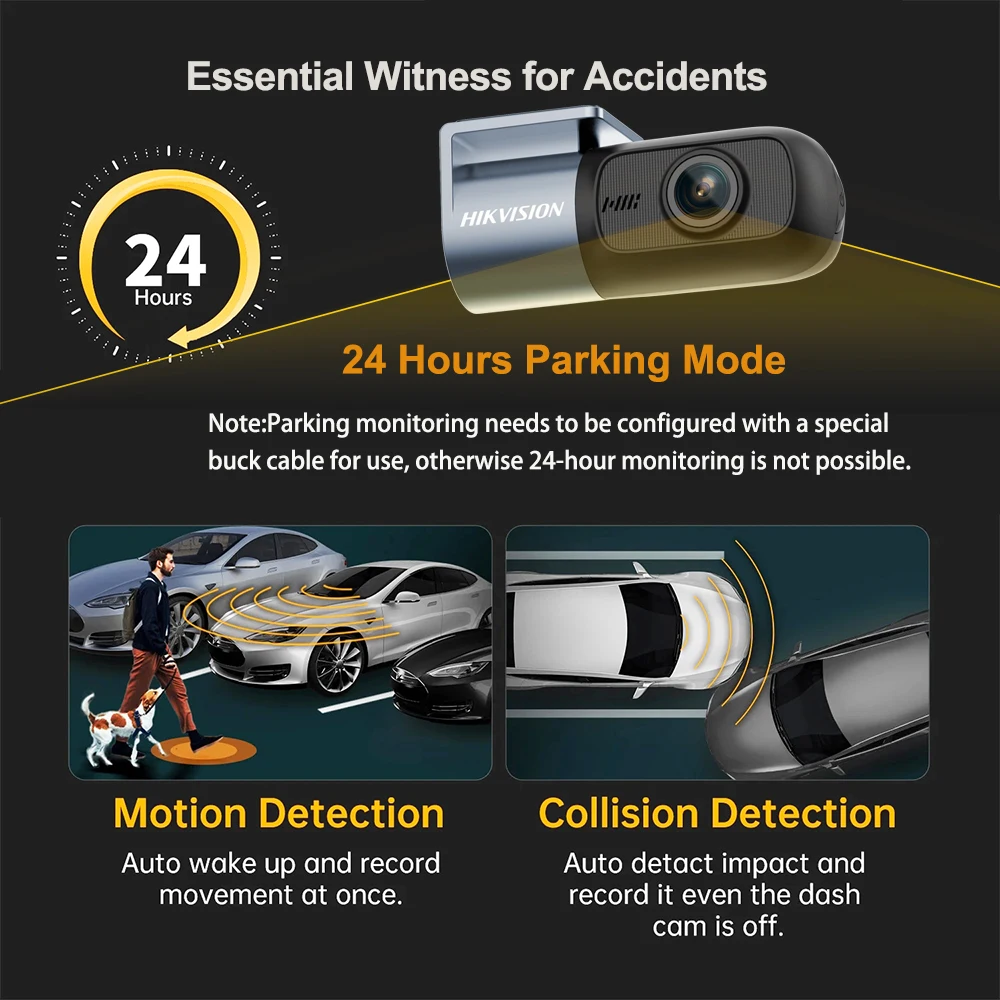
Emergency Recording When You Away
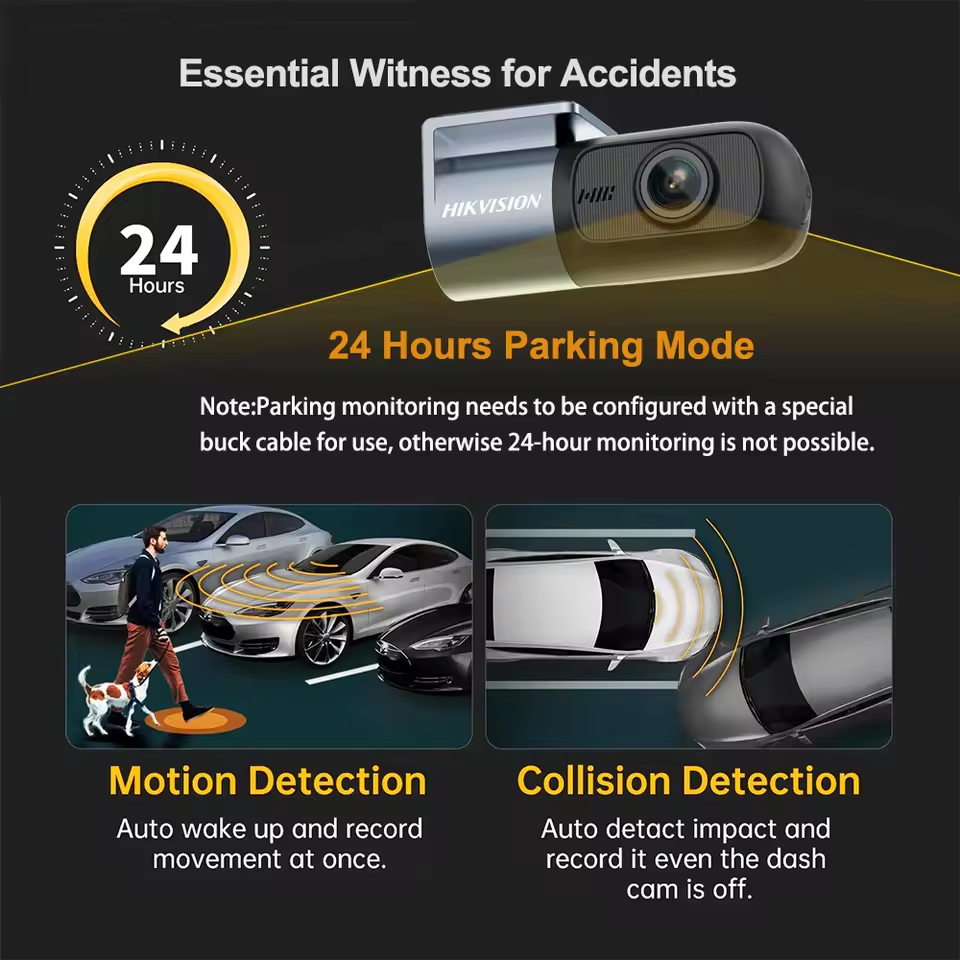
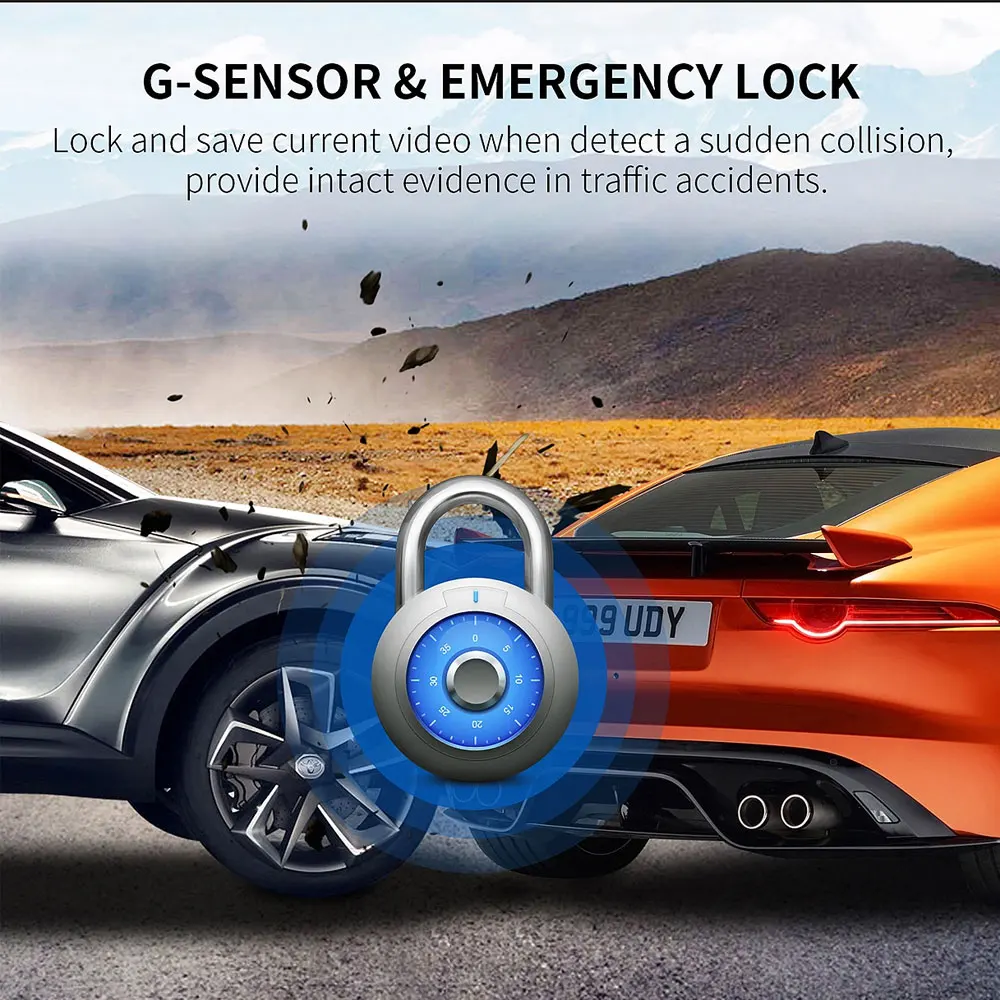
With high sensitivity sensor your HIKVISION D1 Dash Cam will be available for auto record at park mode.Always keep an eye on your lovely vehicle.
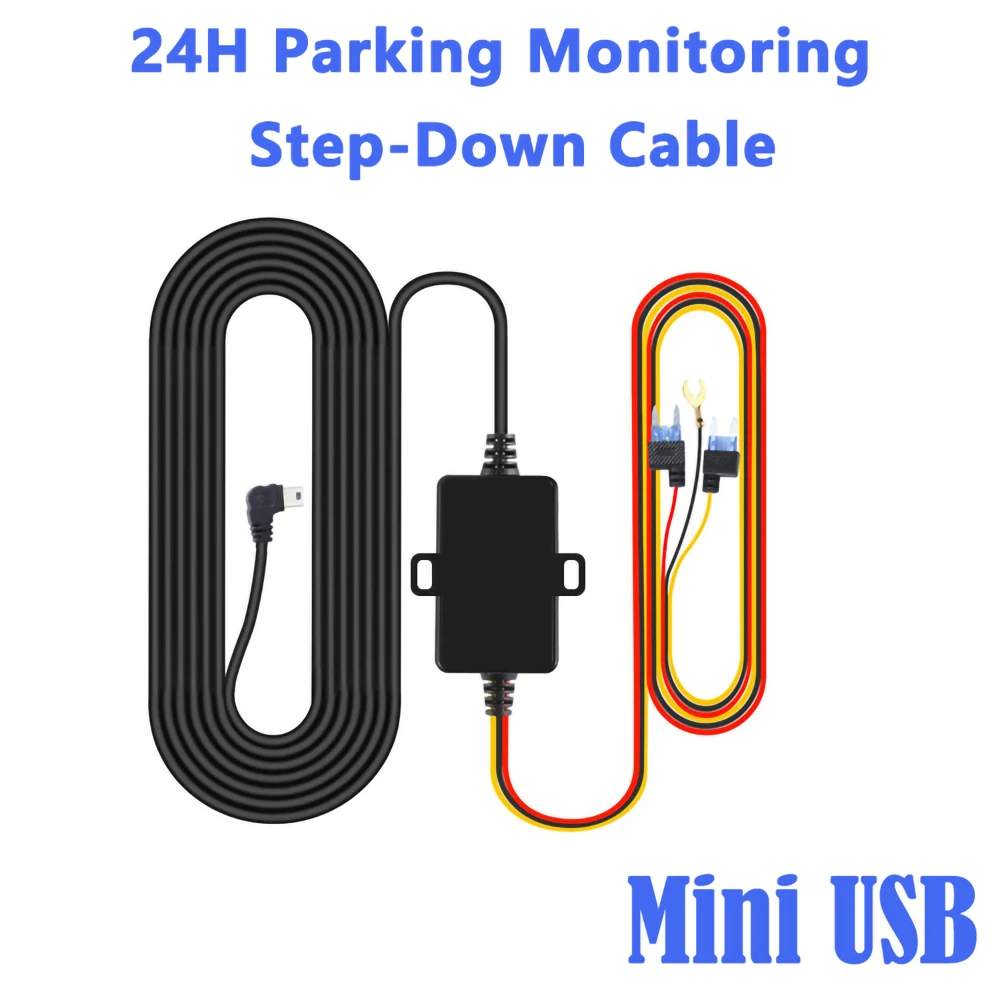
24H Step-Down Cable
For Parking Surveillance Mode, the Hardware Kit ensures power for the dash cam to continue operating while the car parked.
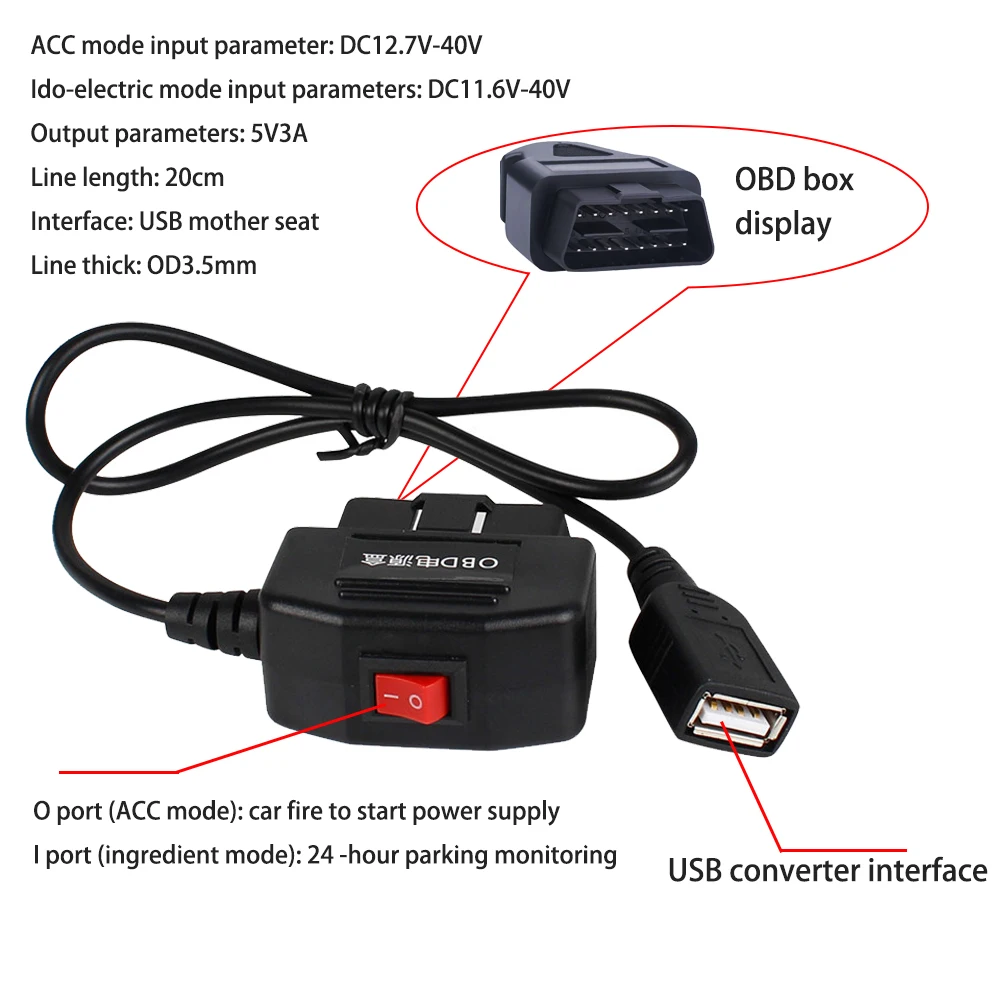
24H step-down cable OBD interface is directly inserted to avoid wiring trouble
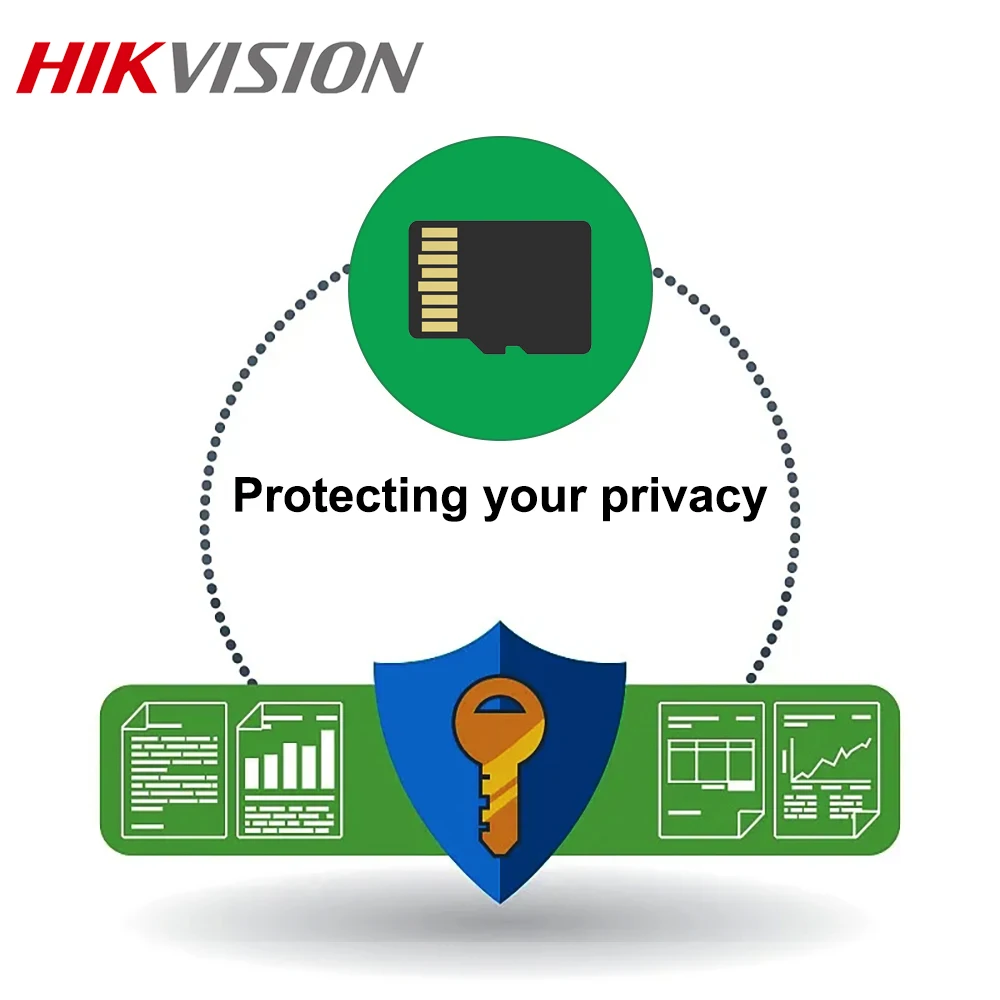
Protecting your privacy
Warm Tips:
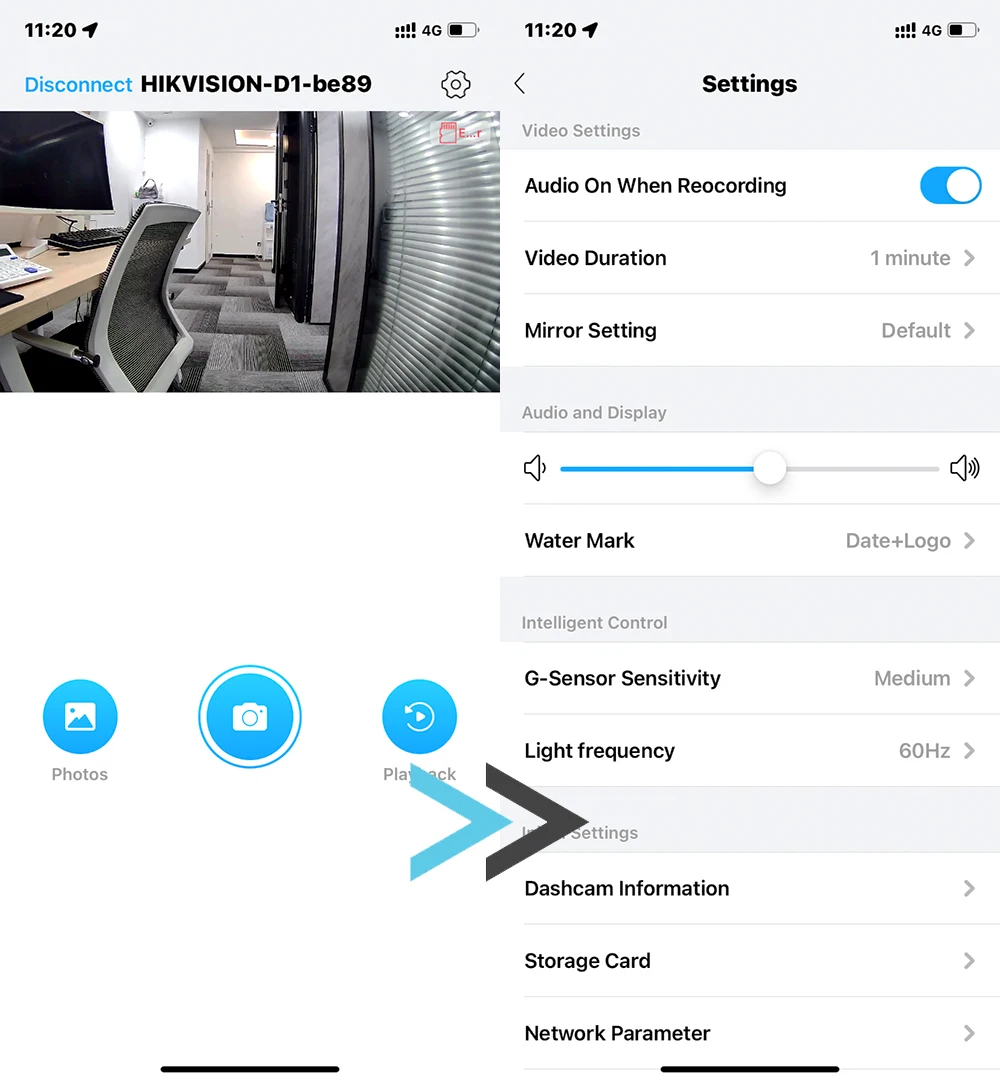
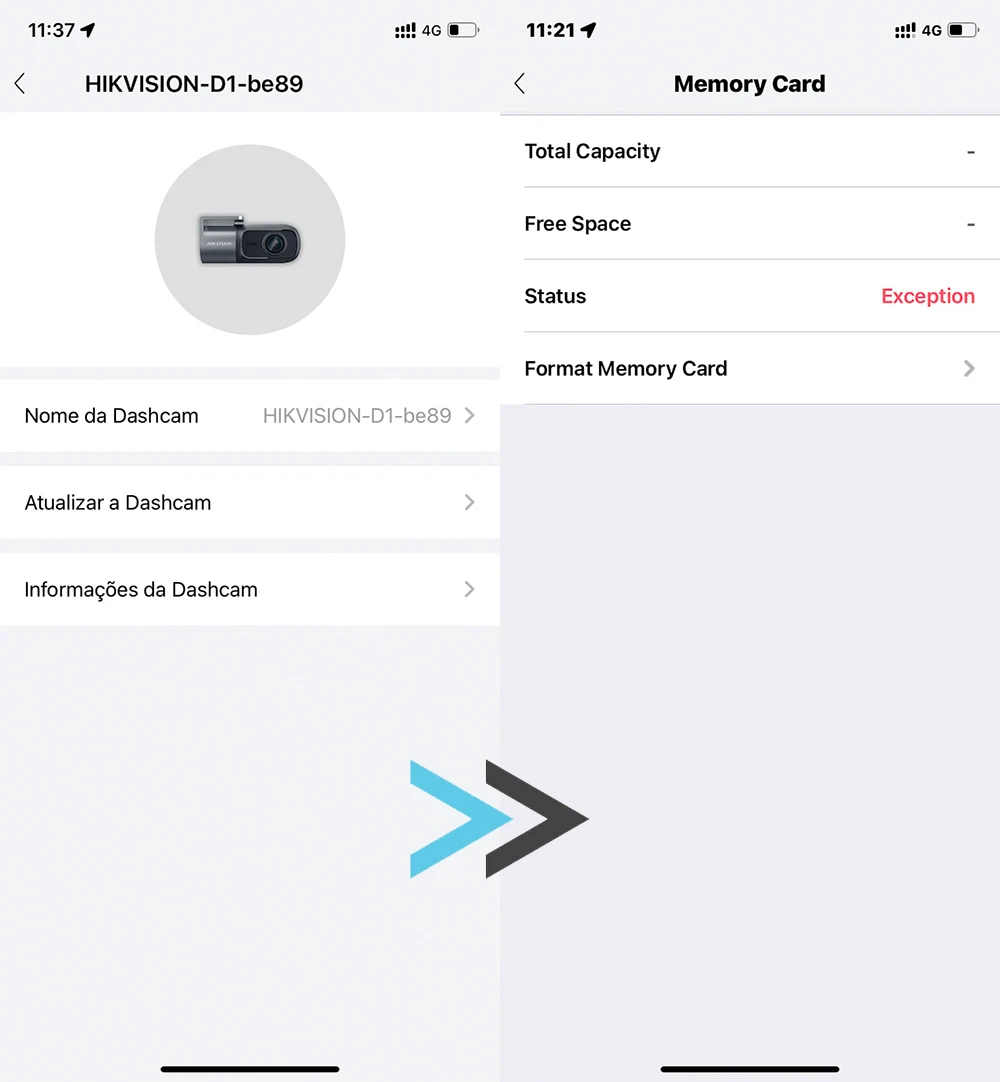
In order to protect your privacy and security in the process of using the car recorder, the first time you use the memory card using the format.
The operation steps are as follows:
1. Mobile browser scan the QR code below the application. (Hikdashcam)
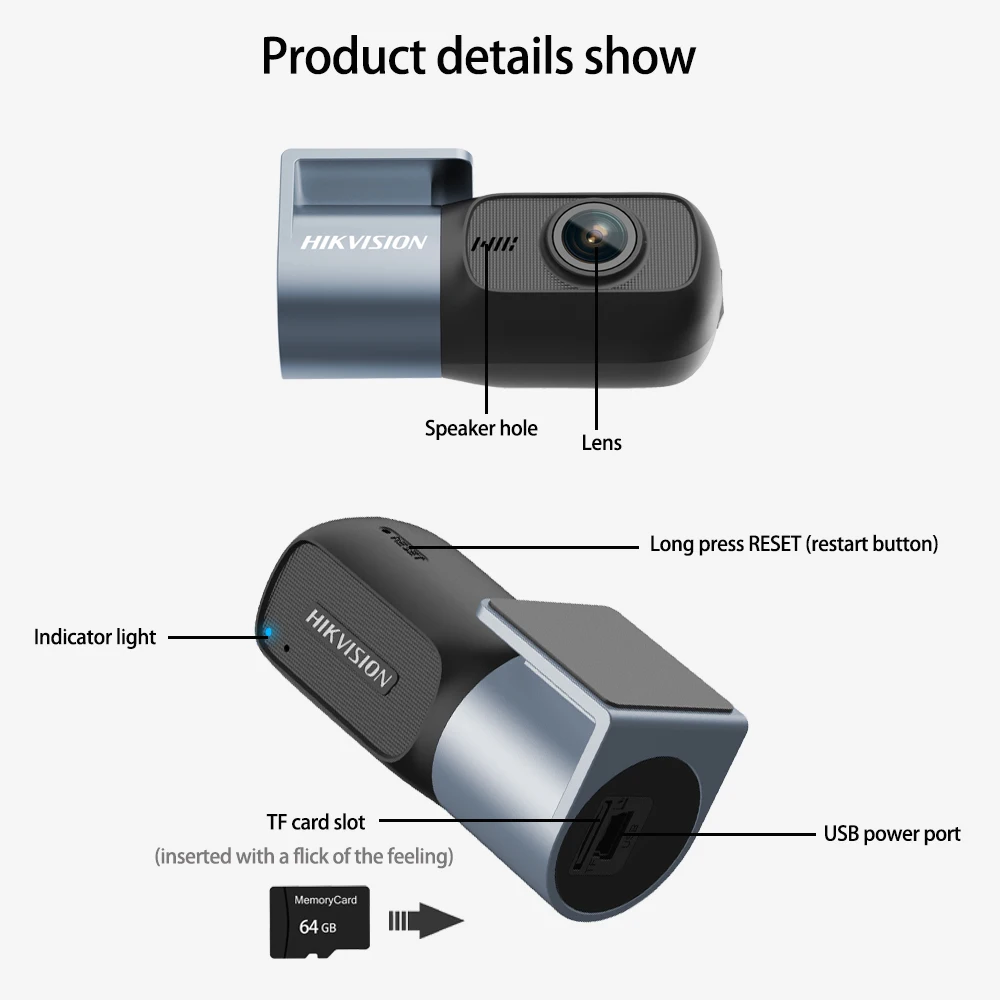
2. Insert the memory card into the driver's recorder, and then connect the power to the power.
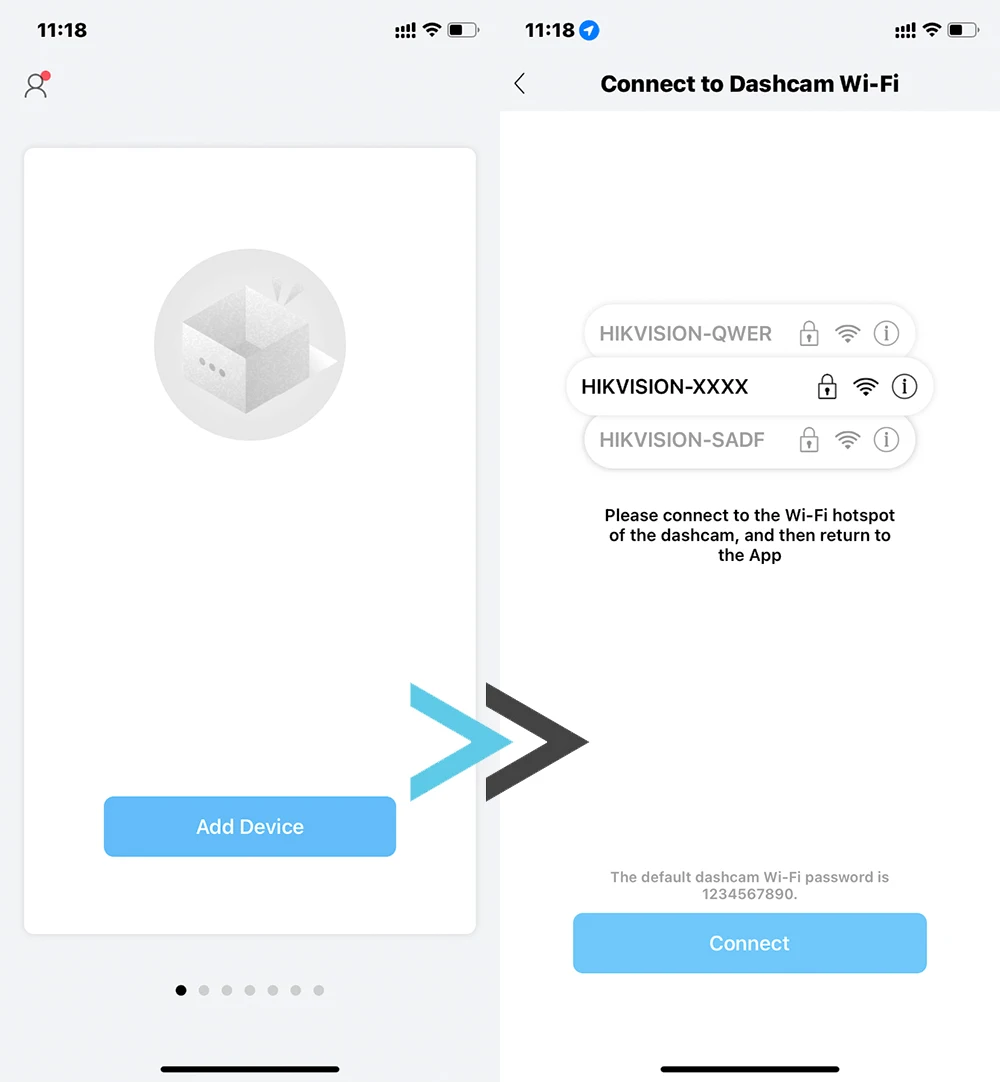
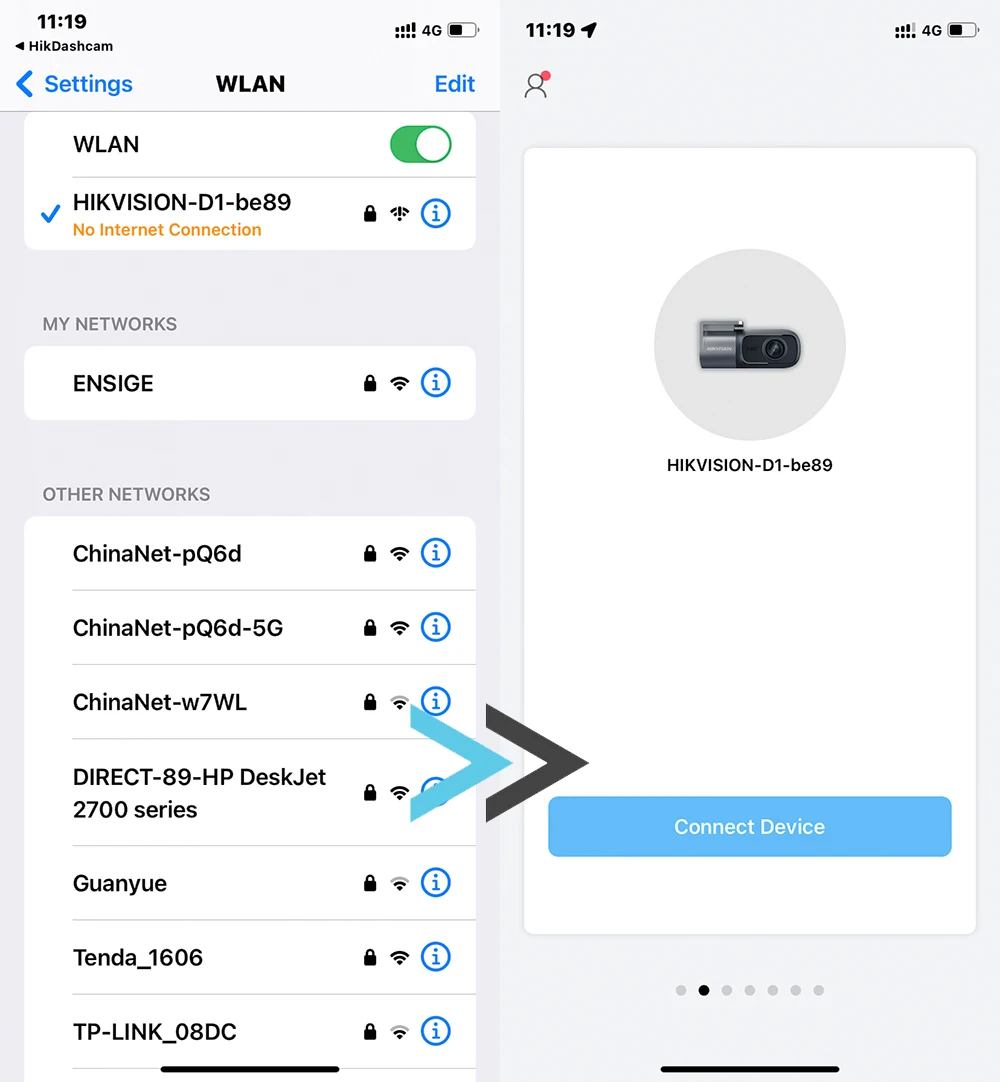
3. Connect the driving recorder to the application according to the prompts.
4. Open "Settings" - "Storage Management" - "Formatting Storage Card" in mobile applications (Hikdashcam)
5. Complete privacy protection settings are completed, and re -open mobile applications (Hikdashcam).
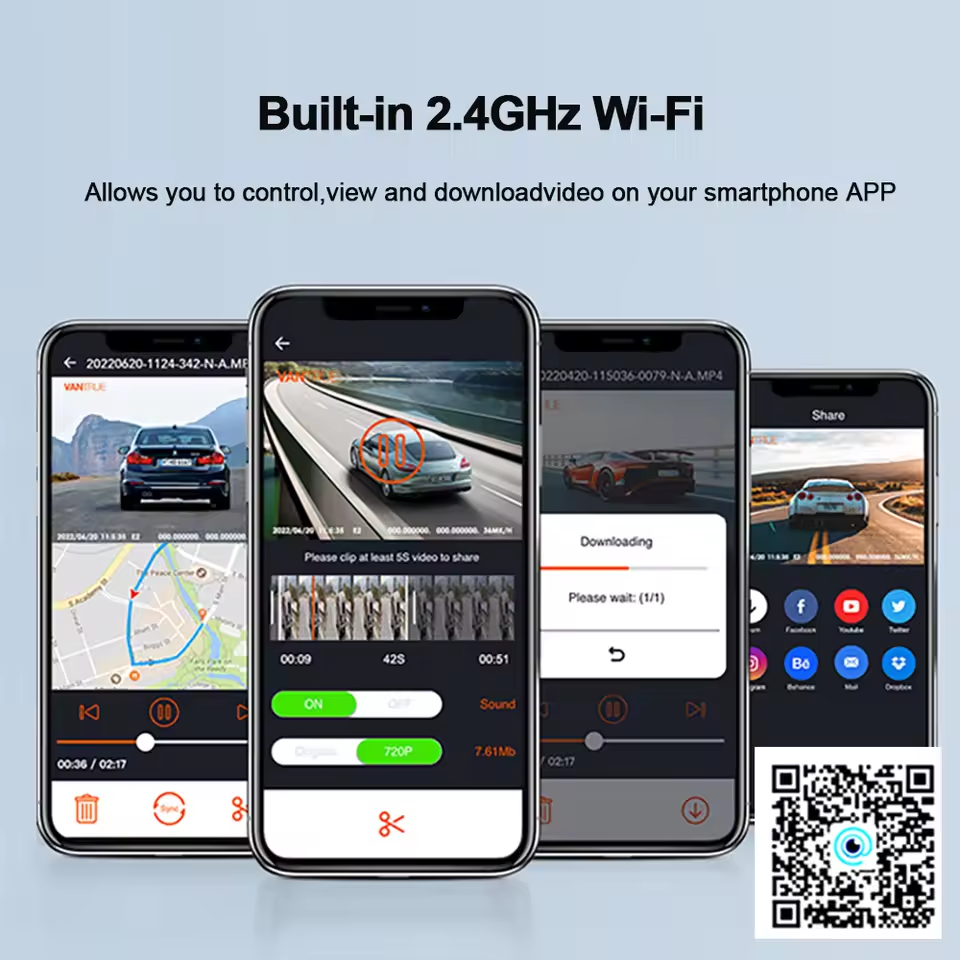
Mobile App Connection
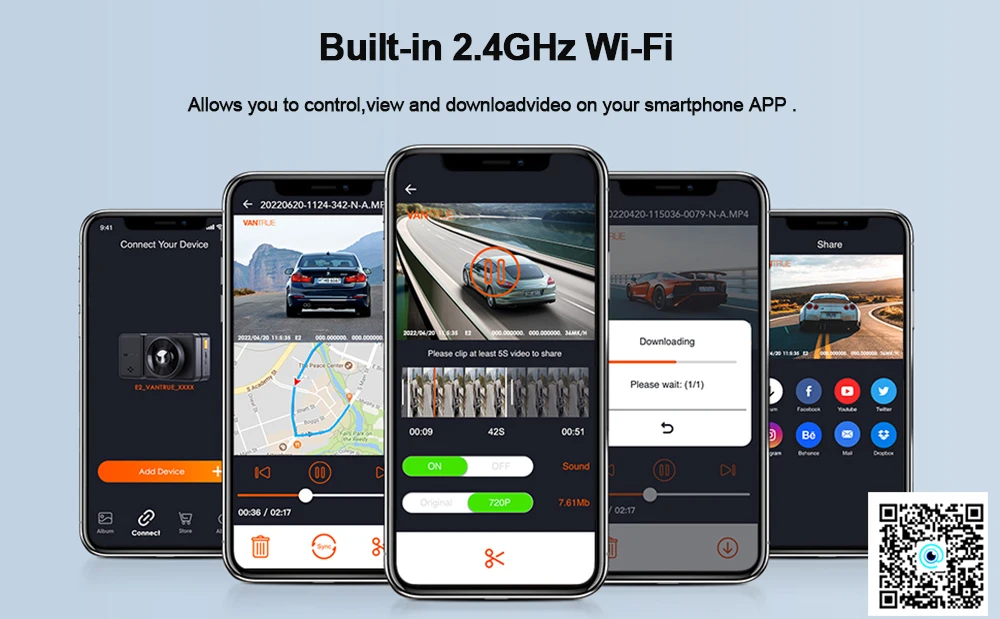
Cell phone APP connection, real-time view of the data, 2.4Ghz wifi download speed, at any time to download driving video.
Connect the dash cam to the mobile application
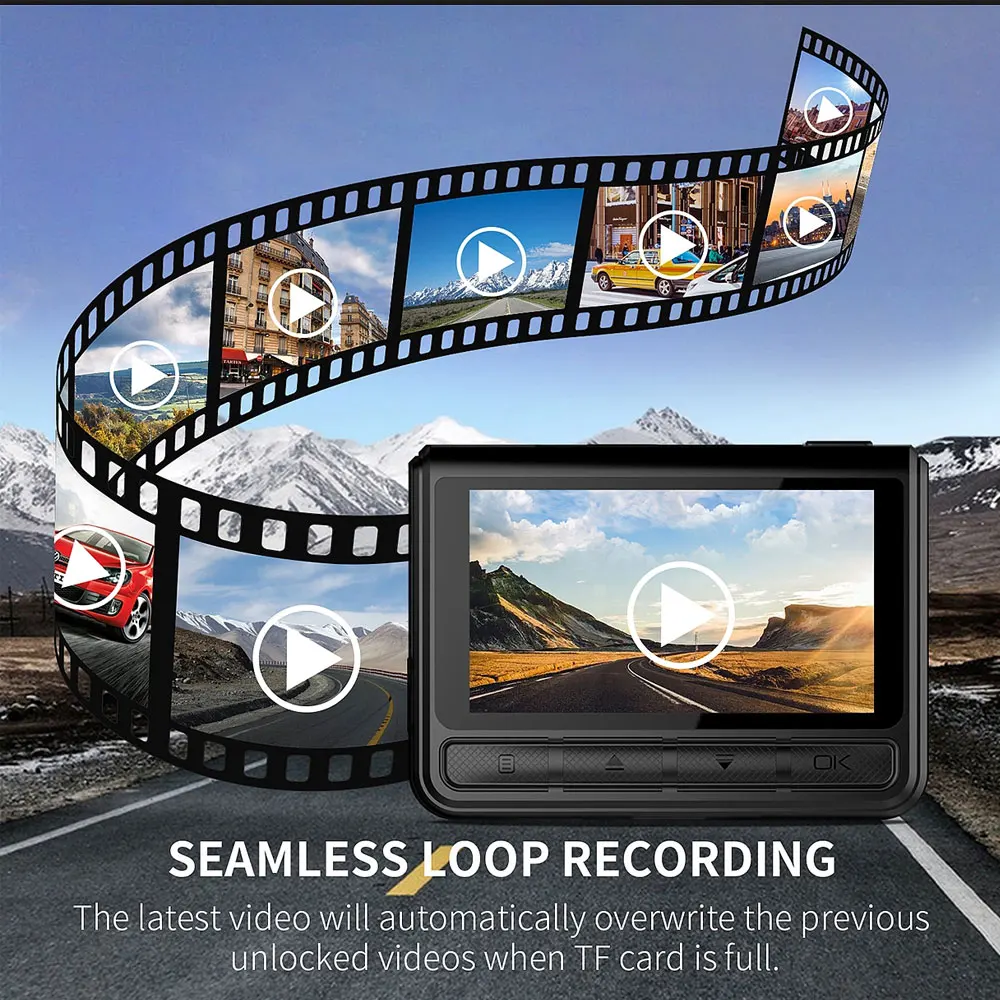
Loop Recording
Linkage video record can be configured be no-overwritten
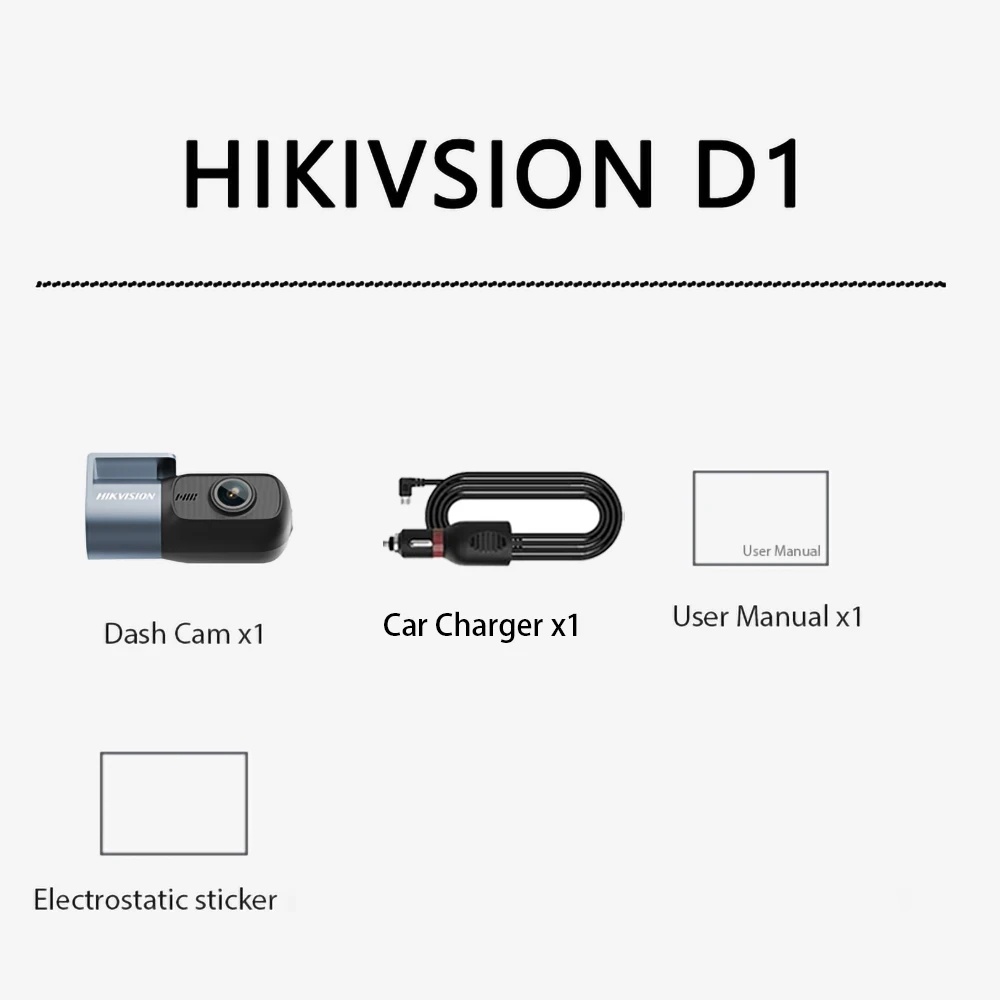
Packing List